Settings
Configure tenant-level feature flags and preferences.
Overview
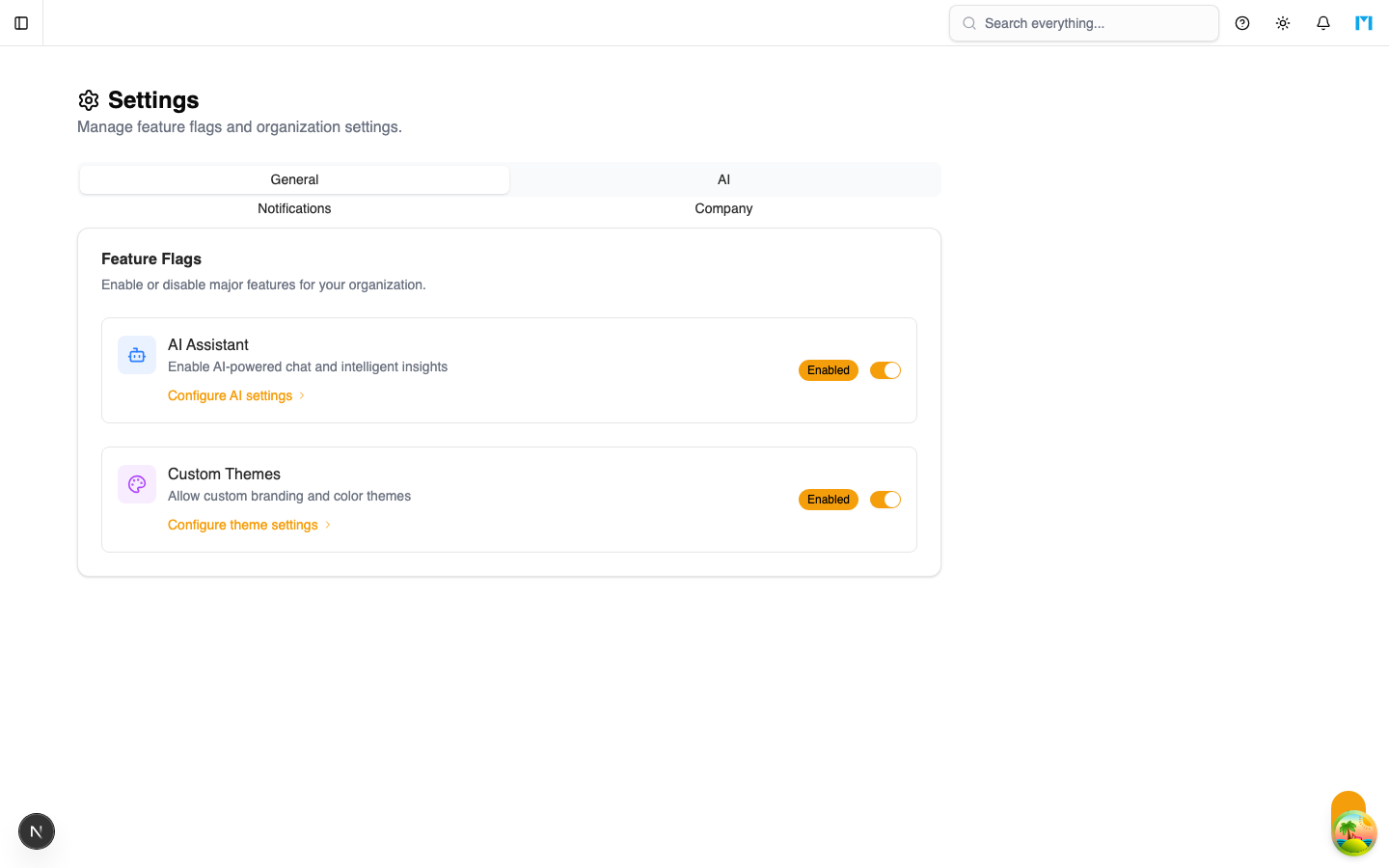
The Settings page allows admins to toggle tenant-level feature flags that control which capabilities are available to users in the organization. These settings apply globally to all members.
Key Concepts
Feature Flags
MineSync uses feature flags to enable or disable major functional areas per tenant. This allows organizations to turn off features they do not use, simplifying the interface.
Default Values
When a tenant has no settings record (e.g., immediately after creation), all features default to enabled. Settings are created automatically on first save.
How to Use
Available Settings
| Setting | Default | Description |
|---|---|---|
| AI Enabled | On | Enables AI-powered features such as natural-language queries and smart suggestions |
| Custom Theme Enabled | On | Allows the organization to apply a custom colour theme |
| Benchmark View Comparables | On | Shows benchmark comparison data alongside fleet performance metrics |
Changing Settings
- Navigate to Admin > Settings.
- Toggle any setting on or off.
- Click Save.
Changes take effect immediately for all users in the organization.
Common Questions
What happens when I disable AI?
AI-powered features (such as the AI assistant and smart suggestions) will be hidden from the interface. No AI API calls will be made.
Can I enable settings later?
Yes. All settings are toggles and can be turned on or off at any time.
Are settings changes audited?
Yes. Every settings update is recorded in the audit log with the previous and new values.
Do settings affect all users?
Yes. Feature flags are tenant-wide and apply equally to all members regardless of their role.