Dispatch
Real-time dispatch board for tracking and managing daily task execution.
Overview
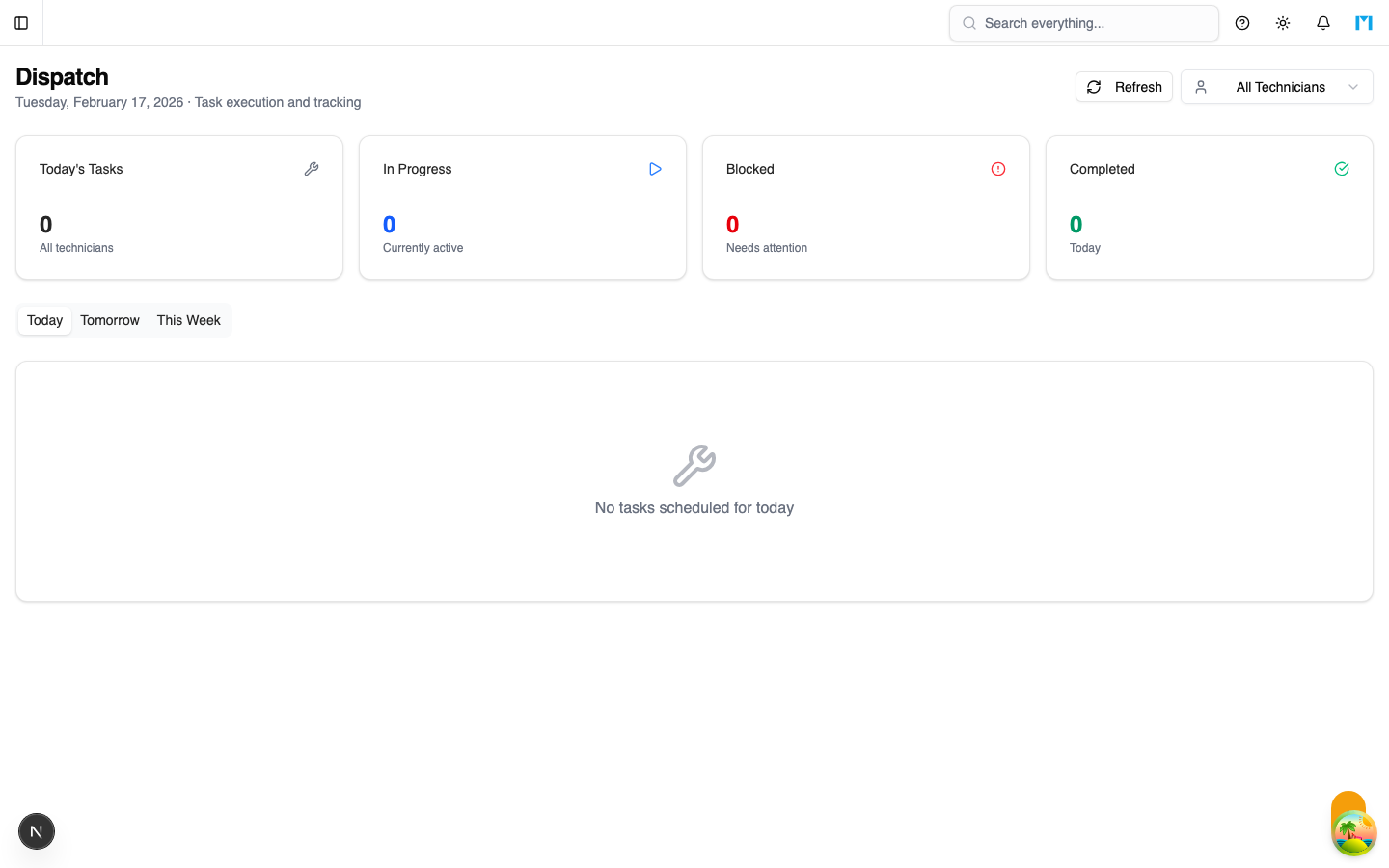
The Dispatch board is the day-of operations view for maintenance supervisors and technicians. It shows scheduled tasks for today, tomorrow, and the current week, and provides controls to start, complete, and block tasks in real time. The Dispatch board pulls its data from the currently Active scenario.
Key Concepts
Daily View
The dispatch board is organized by time period:
- Today -- Tasks scheduled for the current day
- Tomorrow -- Tasks scheduled for the next day
- This Week -- All tasks for the next 7 days, grouped by day
Each task card shows:
- Task name and parent work order
- Machine assignment
- Bay assignment
- Scheduled time window (start - end)
- Current status with color-coded badge
- Progress bar (for in-progress tasks)
- Action buttons based on current status
Task Actions
From the dispatch card, you can perform these actions:
| Action | Available When | Effect |
|---|---|---|
| Start | Pending, Ready, Scheduled | Sets status to IN_PROGRESS, records actual start time |
| Complete | In Progress | Sets status to COMPLETED, records actual end time |
| Block | In Progress | Opens a dialog to enter a block reason, sets status to BLOCKED |
| Resume | Blocked | Returns task to IN_PROGRESS status |
| View Details | Completed | Opens task detail view |
Summary Cards
Four summary cards at the top of the page show real-time counts:
- Today's Tasks -- Total number of tasks scheduled for today
- In Progress -- Number of tasks currently being worked on
- Blocked -- Number of tasks that are blocked and need attention
- Completed -- Number of tasks finished today
Technician Filter
Use the technician dropdown to filter the dispatch board to a single technician's tasks. This is useful for technicians viewing their own workload or supervisors checking on specific team members.
How to Use
Starting Your Day
-
Navigate to Scheduler > Dispatch
-
Review today's summary cards for an overview
-
Identify any blocked tasks that need resolution
-
Start tasks in priority order by clicking the Start button
Managing Task Execution
- When a technician begins work, click Start on the task card
- The task moves to In Progress with a progress indicator
- When work is complete, click Complete to finish the task
- If an issue arises (waiting for parts, machine unavailable), click Block and enter a reason
Handling Blocked Tasks
Blocked tasks are highlighted with a red border and display the block reason. To resolve:
- Address the underlying issue (get parts, free up the machine)
- Click Resume to return the task to In Progress
- The block reason is stored in the task's readiness blockers for tracking
Filtering by Technician
- Click the technician dropdown in the toolbar
- Select a specific technician to see only their tasks
- Select "All Technicians" to return to the full view
Common Questions
Which scenario does the Dispatch board use?
The Dispatch board always uses the currently Active (published) scenario. If no scenario is active, it falls back to the first available scenario.
Can I reschedule tasks from the Dispatch board?
No. The Dispatch board is for execution tracking only. To reschedule tasks, use the main Scheduler page's Gantt chart or run optimization.
Are the changes I make on Dispatch reflected in the schedule?
Yes. Starting, completing, or blocking a task updates the task's status and actual times, which are visible throughout the Scheduler module.
Can I refresh the dispatch board?
Yes. Click the Refresh button in the toolbar to re-fetch the latest schedule data.